Show the bug instead of describing it
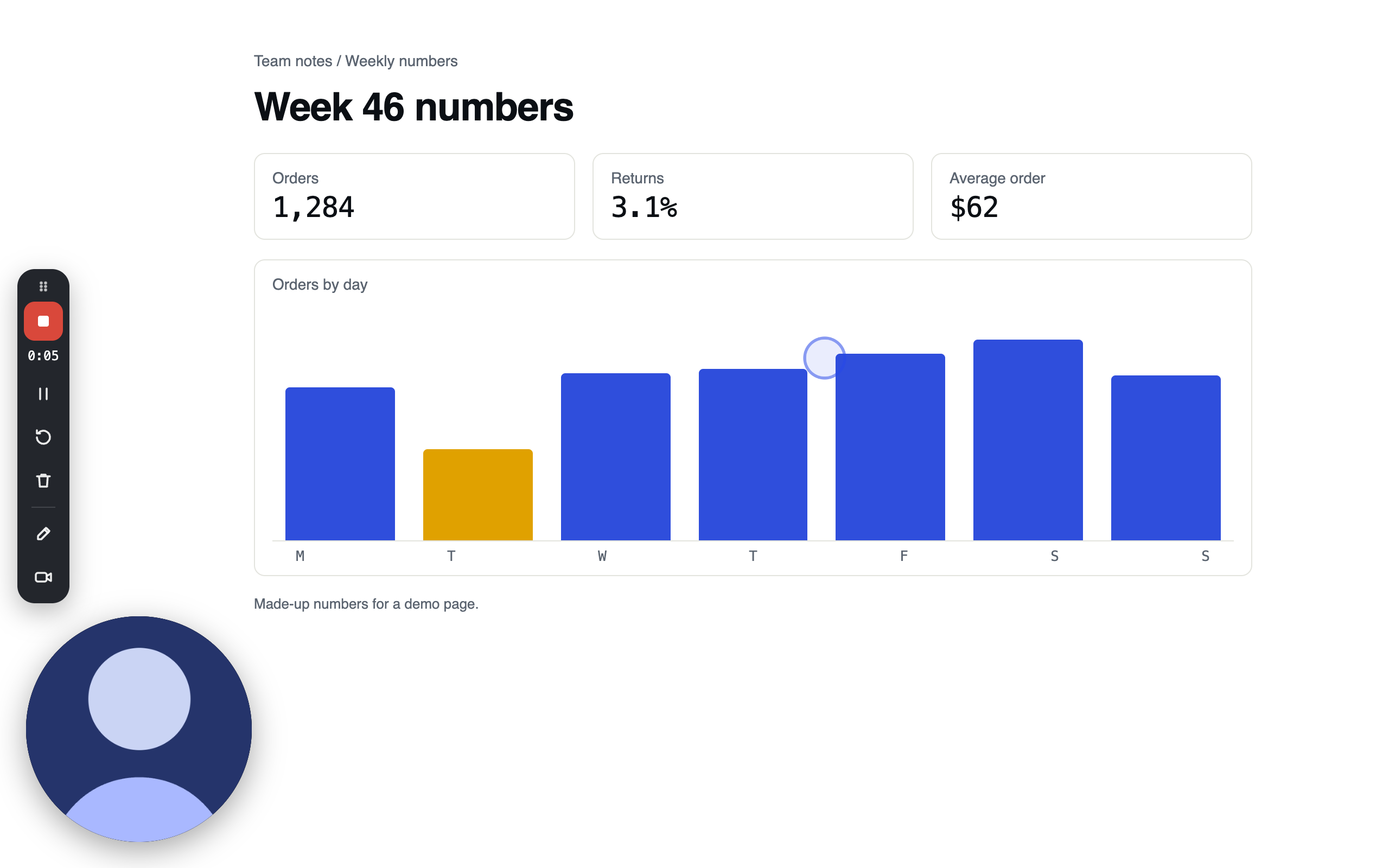
Record the steps that break something, with your clicks highlighted, and paste the link into the ticket. Walk reviewers through a change the same way, and let them comment on the second they have a question about.
What gets in the way
- 01
Repro steps miss a click
A written bug report skips the click that seemed too obvious to mention, and whoever picks it up has to find it again.
- 02
One change, explained three times
Each reviewer asks the same questions about why the code moved, in a call or in a thread.
- 03
The reasoning stays in someone's head
Why something was built the way it was is quick to say and slow to write down, so it often isn't written down.
What engineering teams record
Record it once, send the link
Bug reports
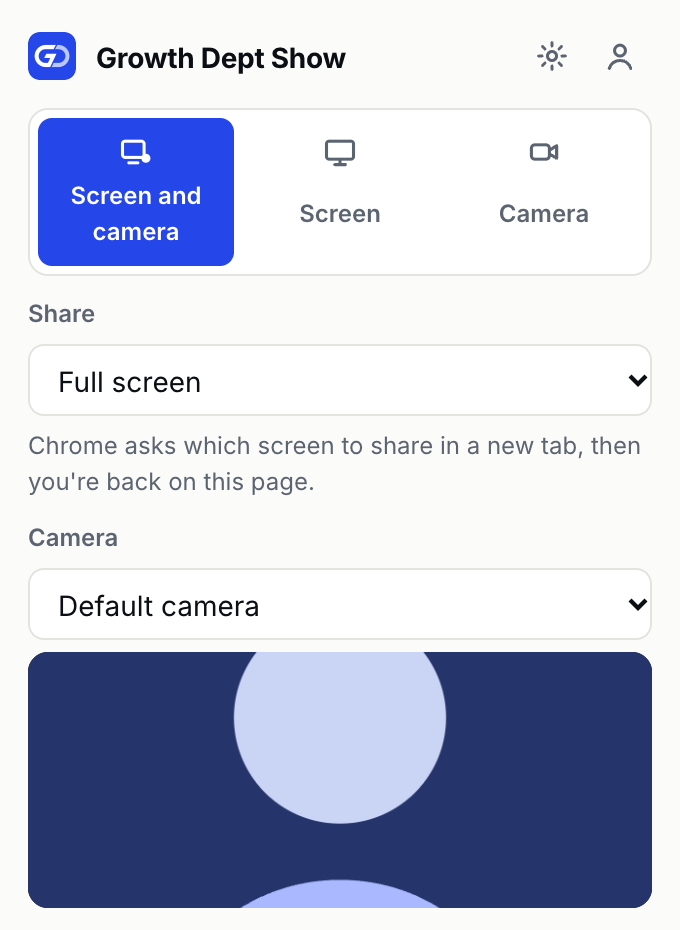
Checkout button does nothing on SafariRecord the tab where it goes wrong. Highlighted clicks show what you pressed, the tab's sound can come along, and when you stop the link is already on your clipboard for the ticket.
Code and pull request walkthroughs
Why the retry queue movedShare the window with your editor or the pull request and talk through the change. Record at 1440p or 4K so small text stays readable, and reviewers comment on the moment they're unsure about.
Recordings for an AI agent
Settings page: the save button overlapsIn the Mac app, Record for agent makes a screen-only recording that stops at five minutes, with Select to box the thing you're pointing at. It becomes an ordinary Show video with its own link.
The titles are examples.
The parts of Show it uses
Click highlights and drawing
LiveA ring shows each click in the video, and you can draw on the screen to circle what's wrong.
Read moreUp to 4K
LiveChoose 720p, 1080p, 1440p or 4K before you record, in the extension or the Mac app.
Read moreComments on a moment
LivePin a comment to the second you're on, reply in a thread, mention a teammate, and resolve it when it's fixed.
Read moreSearch what was said
LiveSearch reads every transcript and opens a video at the moment the words were said.
Read moreRecord for agent
LiveA short screen recording from the Mac app, with Select and Magic Pen to point at things.
Read moreLink previews in Slack
LivePaste a public video's link into Slack, or another app that shows link previews, and it shows the title and a still.
Read more
Other teams
- Sales · Follow-ups and proposals a buyer can watch more than once
- Support · Answers a customer can follow click by click
- Design · Design reviews and feedback on the exact frame
- Education and training · Lessons people can pause, speed up and come back to
- Marketing · Results reviews, briefs and videos for your site
- Product · Spec walkthroughs, release demos and updates
Show is invite-only while we build it with our clients
Tell us who you are and what you’d record. We read every request, and we invite people as we have room.